Processes🔗
In the application
In the platform, this area is labelled "Business Processes".
Purpose🔗
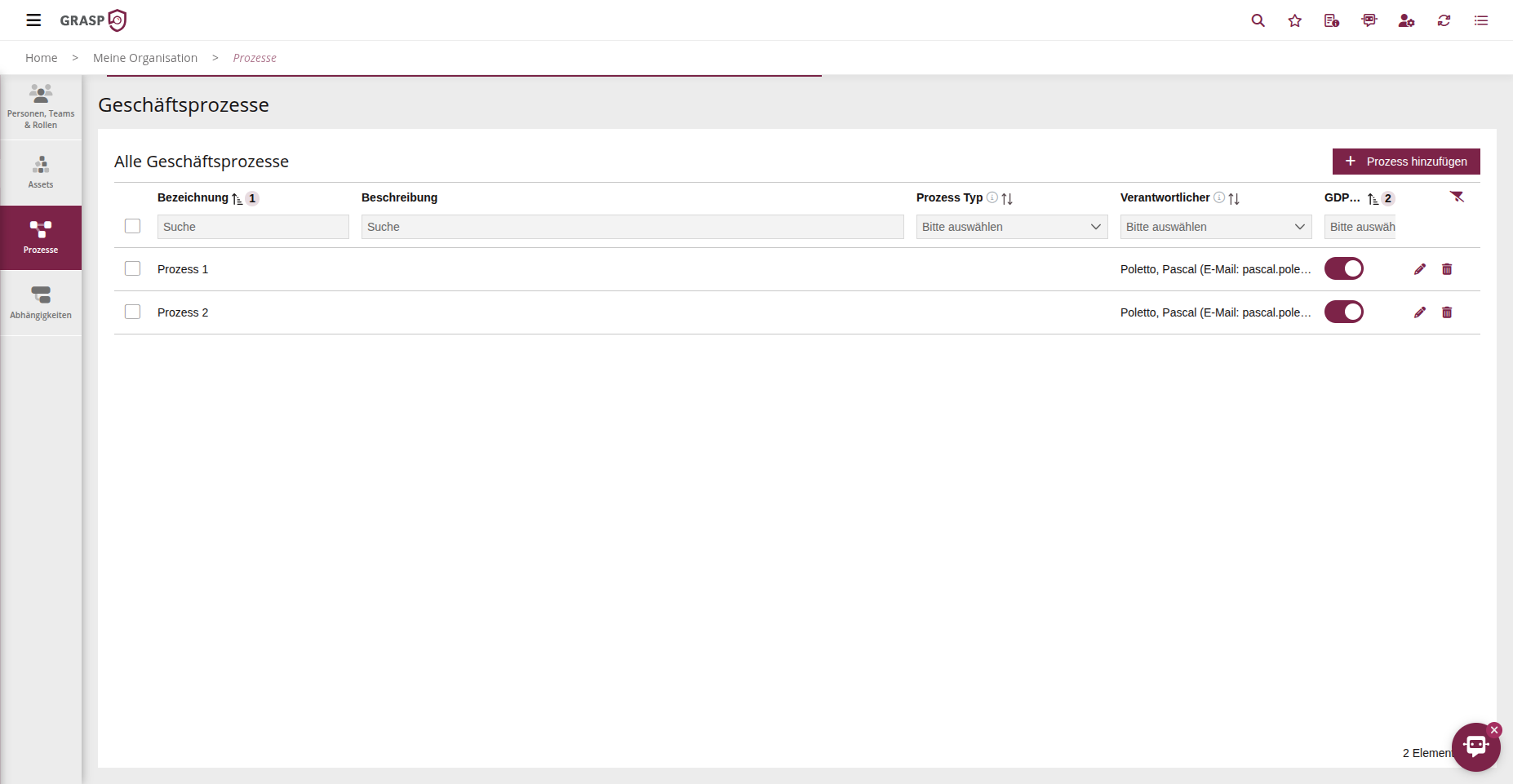
The Processes area maps the key business processes of the organisation.
These processes serve as the foundation for the scope, the protection needs assessment and risk management.
Usage🔗
- Open the Processes area.
- Click on + New Process.
- Assign a name and a concise description.
- Optionally assign subcategories (process subtype, e.g. department, value chain).
- Set a responsible person.
Note:
Setting the GDPR Relevant field particularly affects filtering in the Data Protection module. This ensures that processes marked as data-protection-relevant are displayed specifically, enabling quick identification of relevant processes.
Once a process is used in protection needs assessments or risks, the responsible person receives notifications for relevant deadlines or status changes.
This way, a process model is built step by step that serves as a scope building block for ISMS, risk and audit.
View🔗