ISMS according to ISO 27001 in GRASP🔗
The ISMS module maps your Information Security Management System according to ISO/IEC 27001 in GRASP.
The application supports you continuously throughout the entire PDCA cycle – from initial implementation to recertification.
Note on certification
GRASP is a tool for preparing and managing your ISMS.
The actual ISO certification is always carried out by an external certification body.
You use GRASP to document requirements, assess risks, and provide evidence for auditors.
Purpose of the ISMS module🔗
With the ISMS module you can:
- define one or more scopes (e.g. "IT department", "central platform"),
- determine the applicability of the standard via the SOA,
- assess the protection needs for processes and assets (including inheritance),
- carry out risk management following ISO logic,
- centrally manage controls, measures, documents, and evidence,
- map the continuous improvement process (PDCA) through audits, findings, and measures.
All data (organisation, inventory, policies, measures, findings) is used across modules; you do not need to maintain it separately for each module.
Structure of the ISMS module🔗
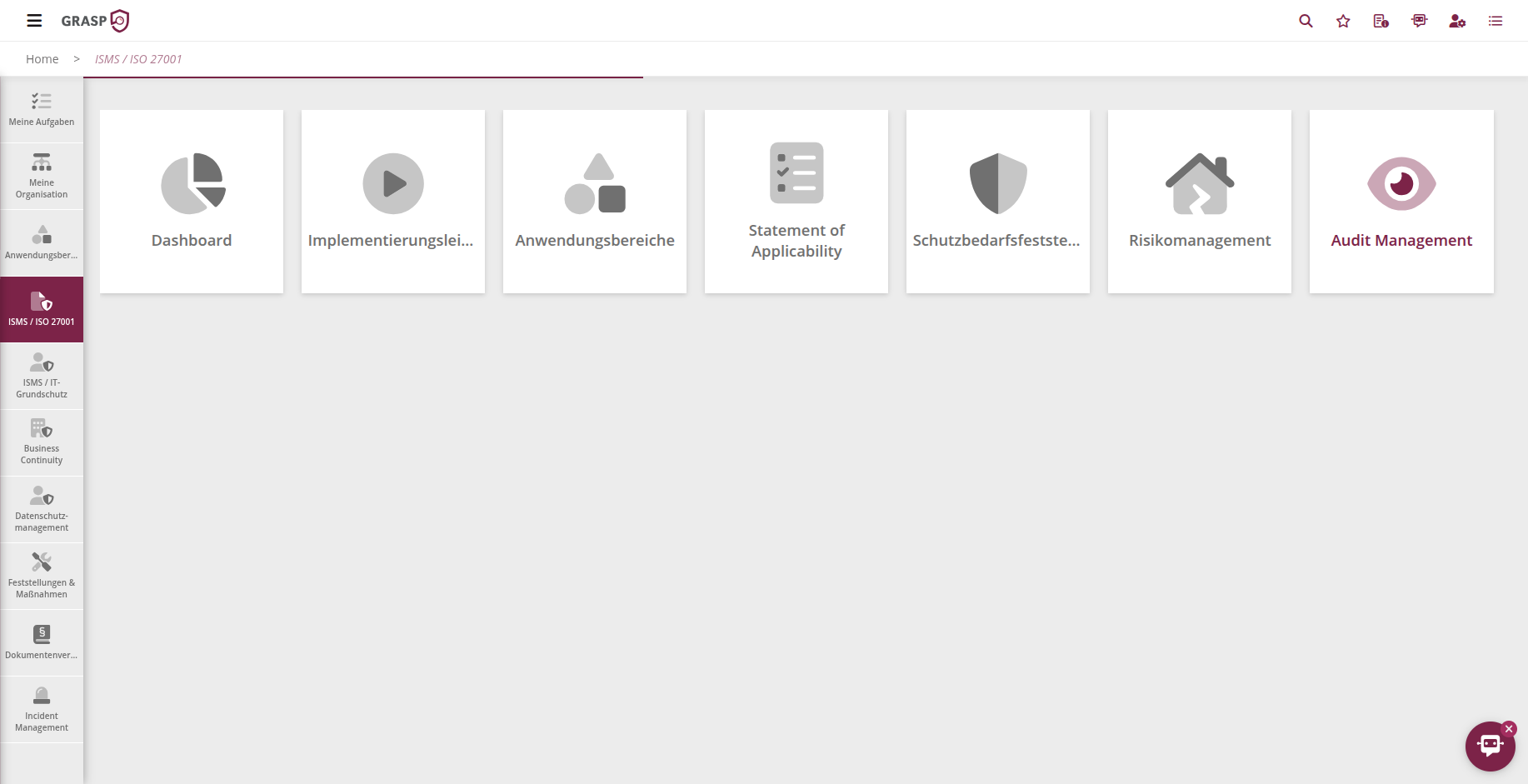
The ISMS module consists of several tiles/views that guide you through the ISO 27001 process:
- Dashboard
- Implementation guide
- Scope
- SOA
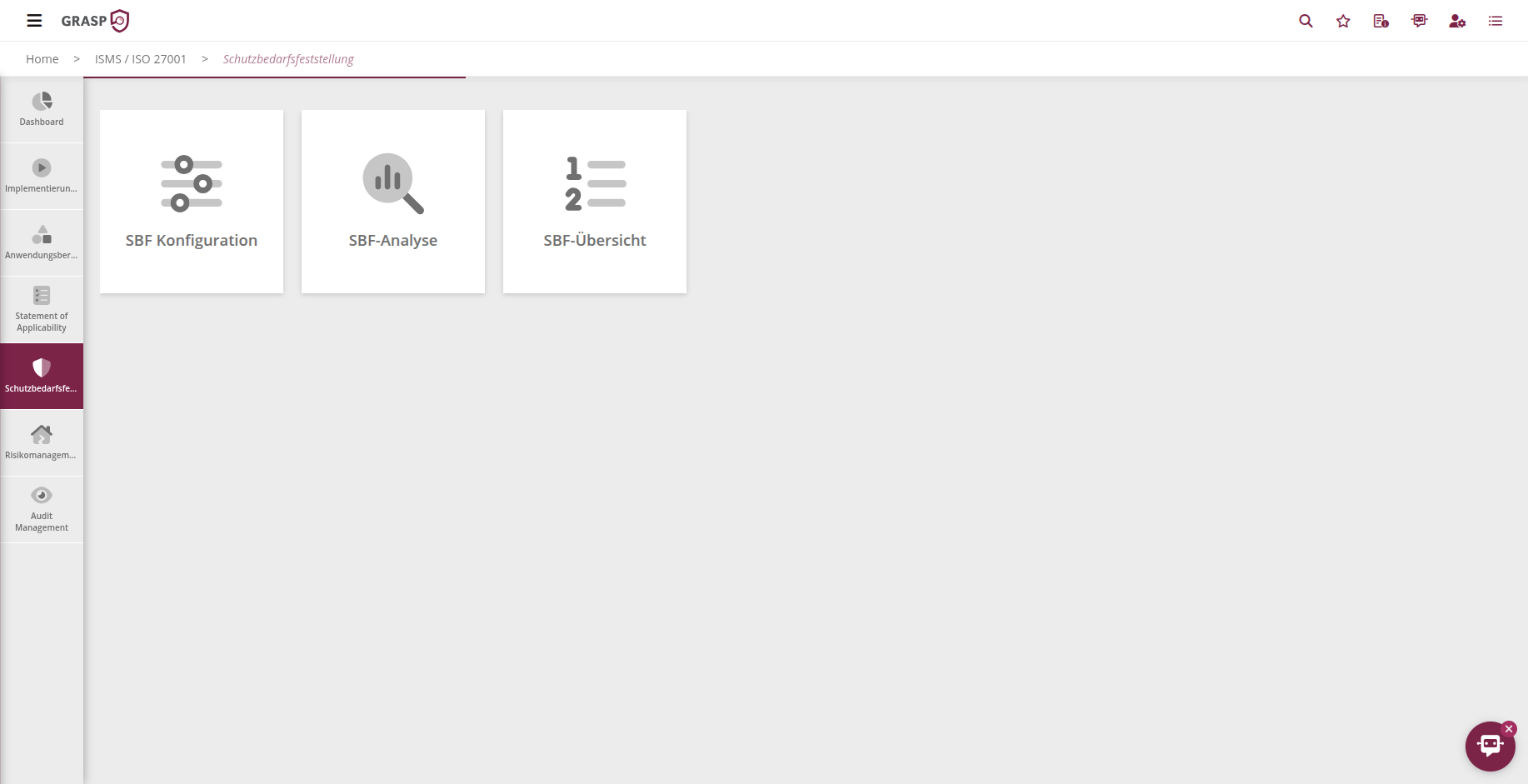
- Protection needs & inheritance
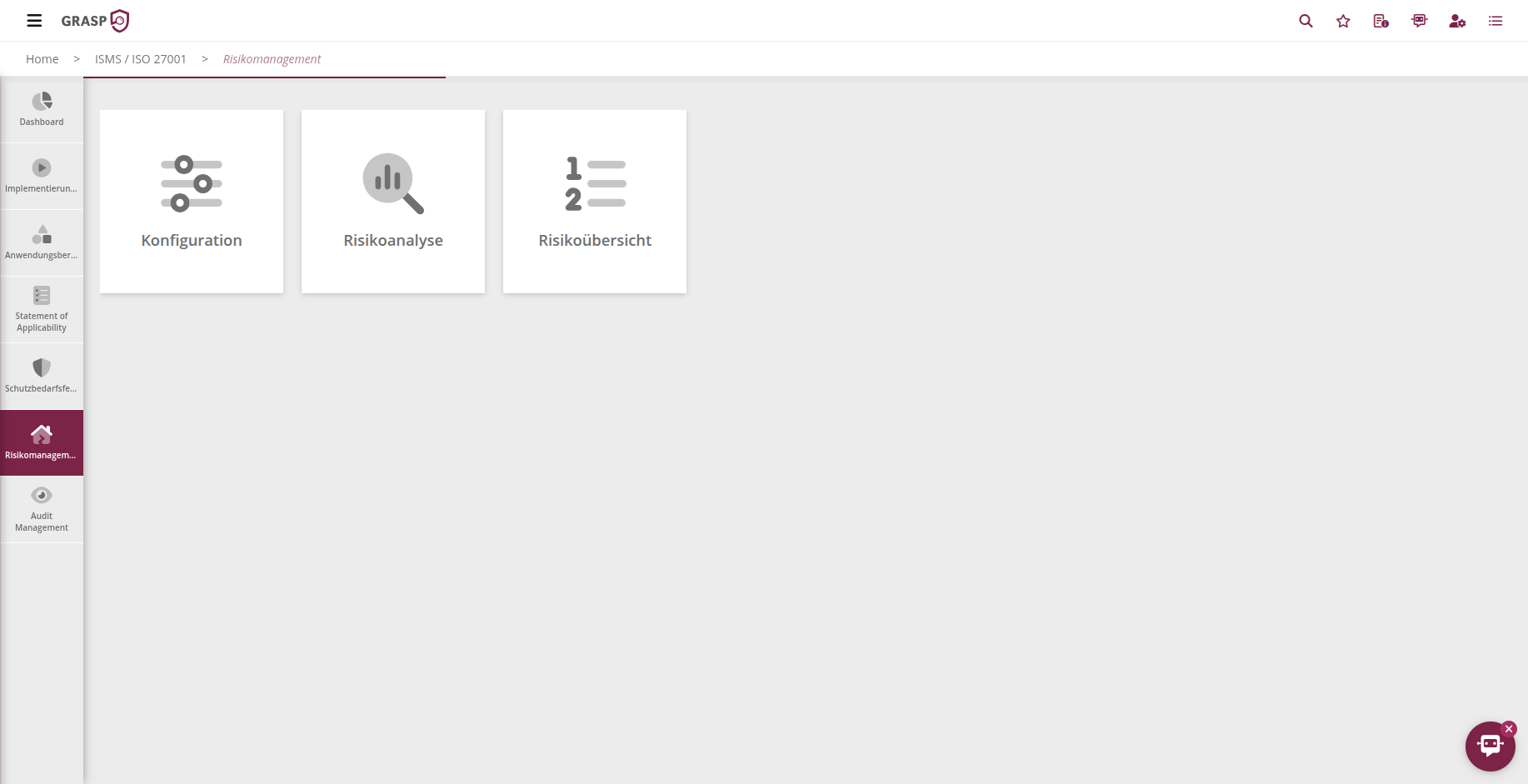
- Risk management
- Audit management
- Findings & measures (cross-module)
An overview of the individual elements:
Dashboard🔗
The Dashboard gives you a consolidated view of the status of a selected scope, for example:
- number and status of risk analyses,
- completed protection-need assessments,
- implementation status in the SOA,
- open measures.
You can:
- select the scope,
- use export functions (e.g. for management reports),
- generate screenshots/PDFs as needed to provide auditors or management with a consolidated overview.
Implementation guide🔗
The implementation guide is your step-by-step roadmap through the ISO implementation:
- It is structured as a checklist.
- Each row describes an implementation step (e.g. "Model the scope or organisation", "Assess threats", "Upload evidence").
- Quick links take you directly to the relevant view.
- You can check off completed steps and see your progress at any time.
This makes the guide suitable for both the initial setup and recertifications.
Scope🔗
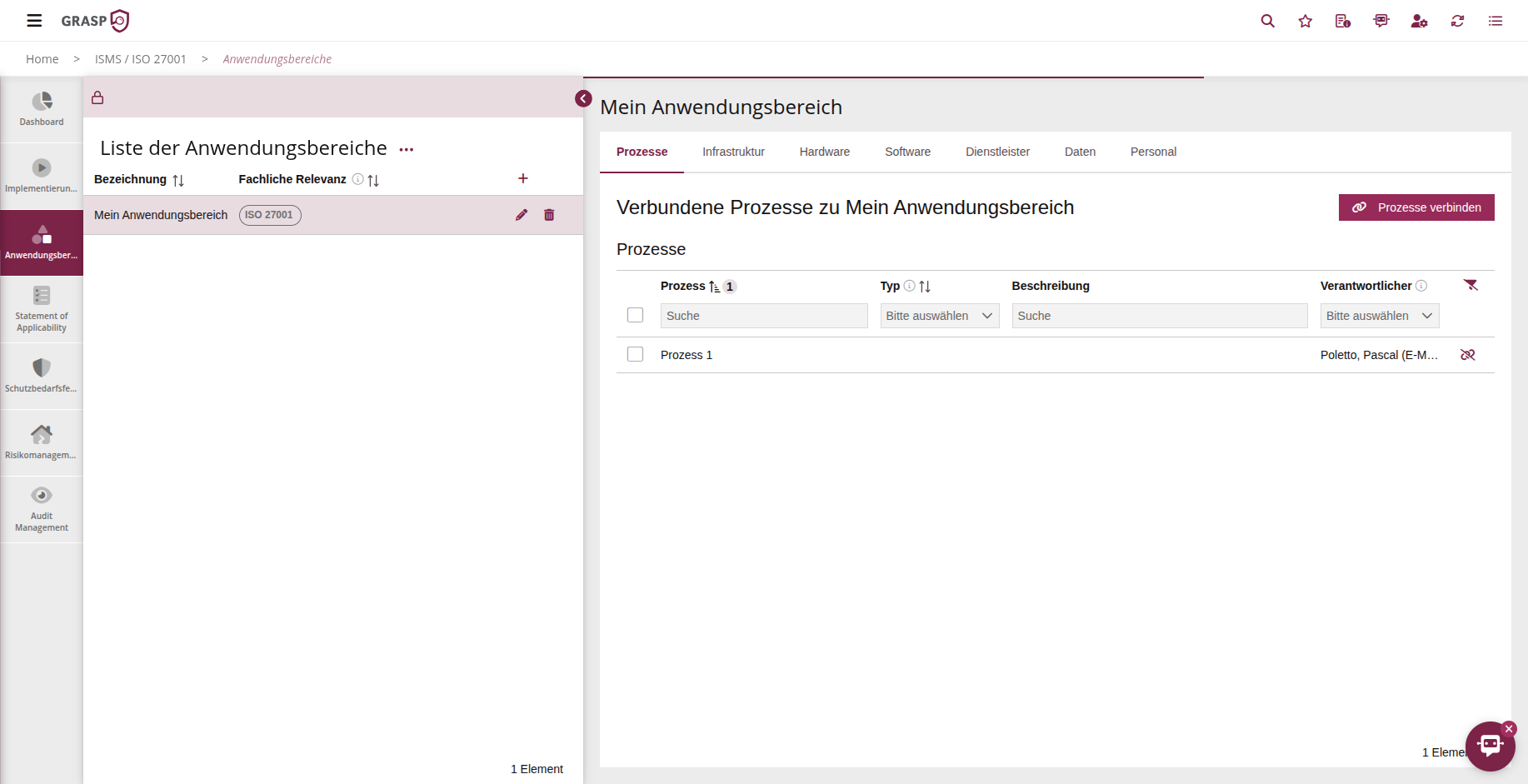
In the Scope section you define which part of your organisation is to be certified under ISO 27001.
A typical approach is to focus on the IT department or on specific, particularly critical services.
- You define one or more scopes.
- You link processes, infrastructure, hardware, software, service providers, data, and personnel to the scope.
- These objects are then used in SOA, protection-need assessments, risk management, and audit management for exactly this scope.
Details can be found on the Scope page.
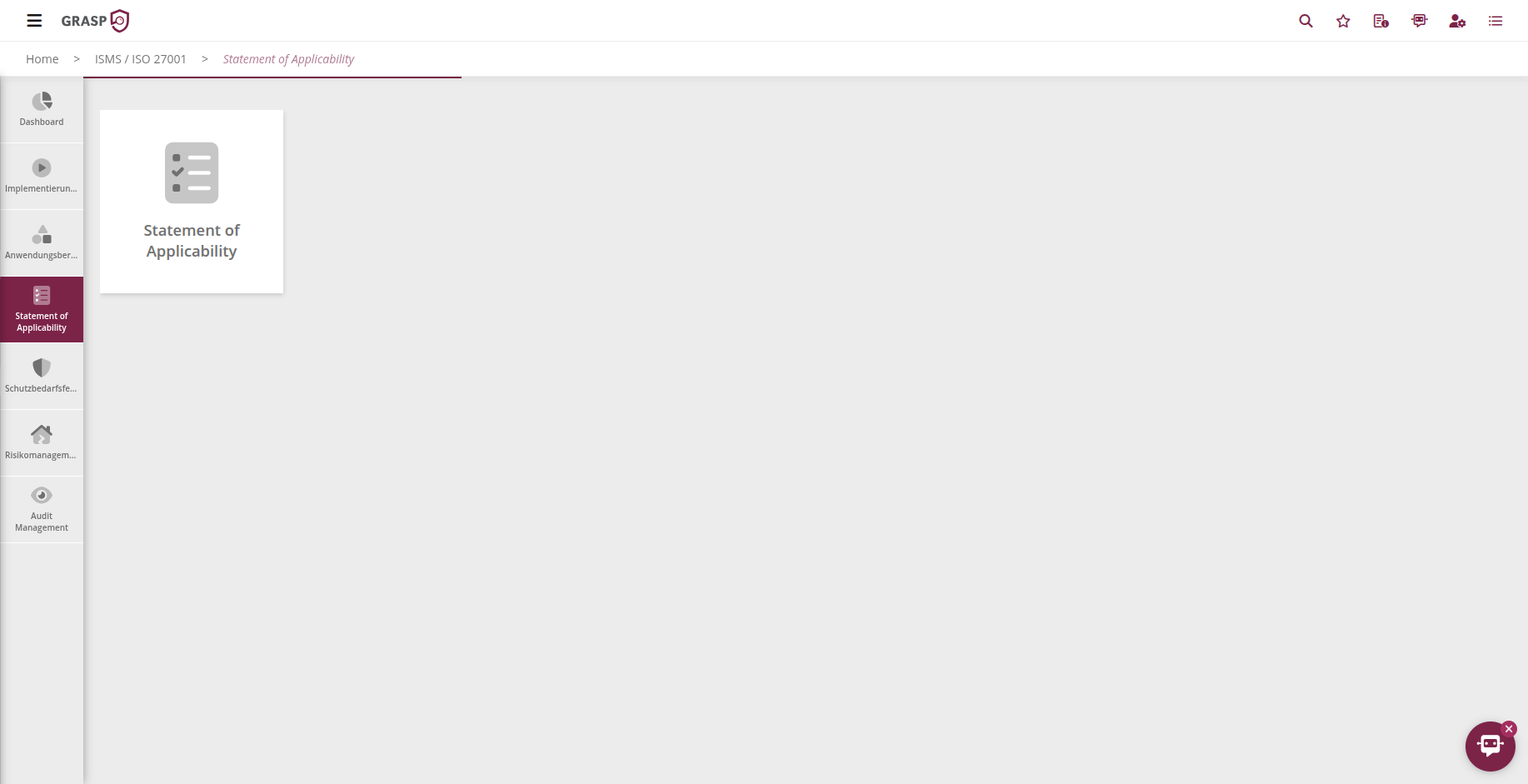
Statement of Applicability (SOA)🔗
The SOA is the central place where you record:
- which standard requirements / controls (e.g. Annex A) are applicable to your scope,
- which are not applicable and why,
- the current implementation level and target fulfilment level of the controls,
- which measures, documents, and processes belong to a control.
Typical workflow:
- Select scope and standard(s).
- For each control area, determine:
- applicable / not applicable,
- justification,
- current implementation level,
- target fulfilment level.
- Link existing measures and documents or create new ones.
The SOA provides you with a standards-compliant overview that auditors use as core evidence for the scope.
Protection needs & inheritance🔗
With the protection-need assessment you evaluate the protection requirements of:
- Processes
- Assets (hardware, software, infrastructure, service providers, data)
typically along the BSI categories Confidentiality, Integrity, Availability.
High-level workflow:
- Create a protection-need assessment form for a scope (assessment period, responsible person, etc.).
- Assess the impact for the selected processes/assets across the three categories and provide justifications.
- Submit the form for review/approval.
- After approval, use "Calculate inheritance" to ensure that protection needs are propagated to dependent assets.
The highest overall protection need of a process is transferred to its linked assets. This ensures that critical components are appropriately considered in risk management.
Risk management & audit management🔗
Risk management and audit management are shared with the other modules (BCM, IT-Grundschutz, NIS 2, data protection).
Their functionality is described in detail there:
- Configuration of risks per asset category,
- Risk analysis with initial and residual risk assessment,
- Measure and treatment planning,
- Risk matrix & overviews,
- Planning and conducting ISO audits, including findings and measures.
Findings, measures & tasks🔗
- Measures and findings are cross-module: a measure can address ISO risks as well as BCM or NIS 2 risks.
- Responsible persons and approvers are notified by e-mail when deadlines are reached or overdue.
- In the task and calendar area (if enabled), you can create tasks for measures and manage them on a Kanban board.
The ISMS module thus supports you not only in building the ISO structure, but also in ongoing operations and continuous improvement.
Views🔗